

解析器配置设置
默认情况下,Crowdin 对每个支持的文件格式使用一组预定义的导入和导出参数。
通过解析器配置功能,您可以更改为 Crowdin 支持的文件格式预定义的默认导入和导出行为。 特定项目中的解析器配置仅适用于存储在该项目中的文件。
您可以为某种格式的所有文件或单个文件设置解析器配置。 保存某些文件格式的解析器配置后,您可以将源文件上传到您的项目,Crowdin 将相应地应用您的设置。
您可以为以下格式配置导入和导出行为:Java Properties、Generic XML、DITA、AsciiDoc、纯文本、MadCap Flare、HTML、Office 文档、Adobe FrameMaker、Adobe InDesign、Markdown 和 MediaWiki。
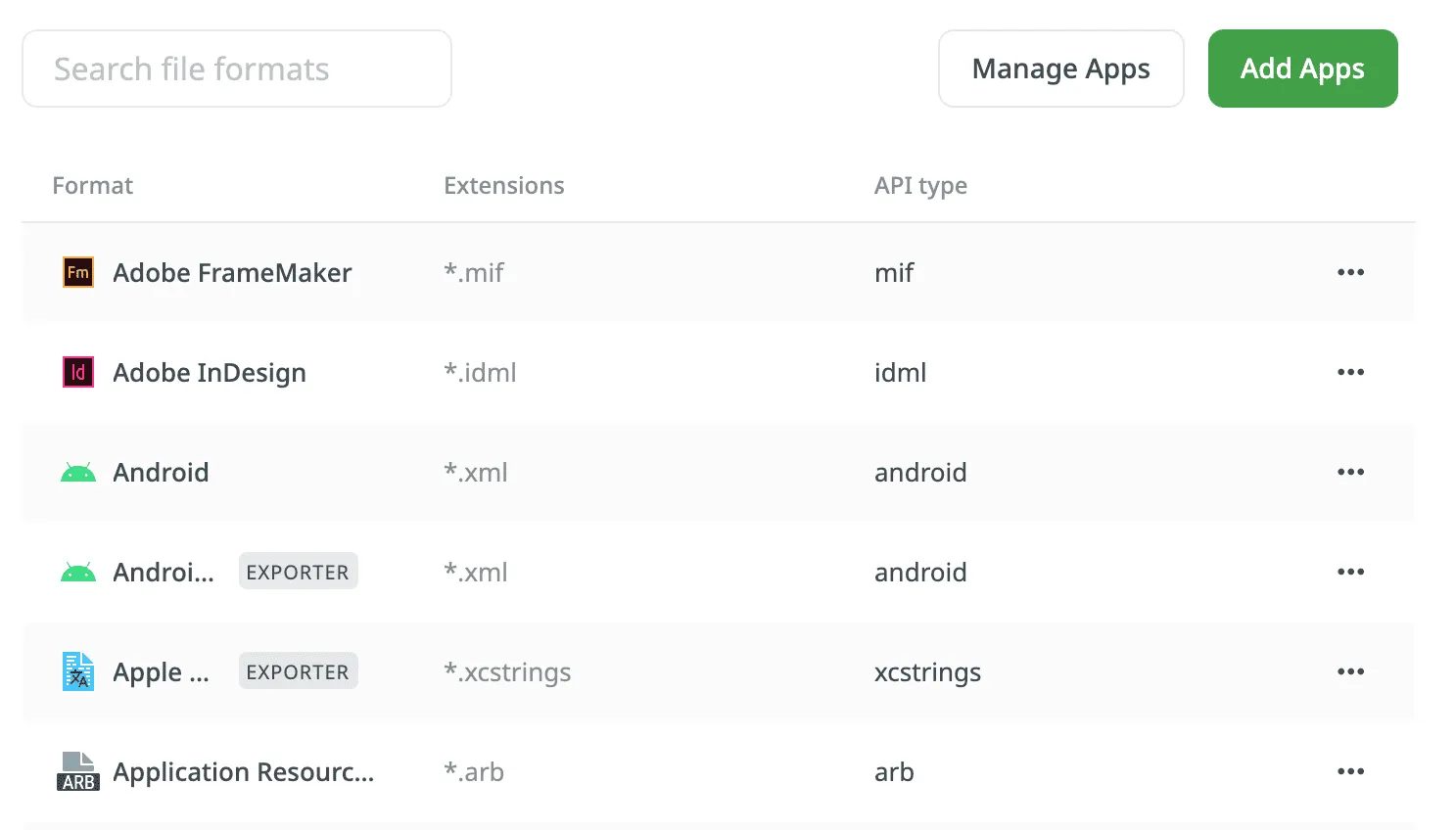
某些参数适用于所有格式,而其他参数则特定于某种格式。 在下表中,您可以查看可用的解析器参数及其可配置的格式。
| Parameter | Description | Format |
|---|---|---|
| Content segmentation | On import, the source file’s content will be split into shorter text segments using predefined segmentation rules (SRX 2.0). | Generic XML, DITA, AsciiDoc, MadCap Flare, HTML, Office documents, Adobe FrameMaker, Adobe InDesign, Markdown |
| Custom segmentation rules | Defines your own segmentation rules. Read more about Custom Segmentation. | Generic XML, DITA, AsciiDoc, Plain text, MadCap Flare, HTML, Office documents, Adobe FrameMaker, Adobe InDesign, Markdown, MediaWiki |
| Excluded elements | Defines a list of CSS style selectors for elements that should not be available for translation (e.g., code, pre > code, .code-block). Applicable only to block elements. Inline elements are ignored. | HTML, HTML with Front Matter |
| Excluded front matter elements | Defines a list of front matter elements that should not be available for translation (e.g., keywords, “internal.description”, tags). The path elements should be delimited by a period. The keys containing a period must be enclosed in quotation marks. | HTML with Front Matter, MDX |
| Exclude code blocks | Defines whether to import code blocks. Applicable only to code blocks. Inline elements with code are ignored. | MDX |
| Translate content | Texts stored inside the tags will be available for translation. | Generic XML |
| Translate attributes | Tag attributes will be available for translation. | Generic XML |
| Translatable elements | Defines the specific nodes and attributes to be available for translation. | Generic XML |
| Escape single quote | Defines the behavior regarding a single quote escaping in exported translations.
| Java Properties |
| Escape special characters | Any special characters (i.e., | Java Properties |
| Clean tags aggressively | Additional formatting tags related to text spacing will be removed on import. Useful when translating Office documents converted from other formats (e.g., PDF, etc.), and the conversion introduced lots of unnecessary formatting tags. | Office documents |
| Translate hyperlink URLs | Hyperlink URLs will be available for translation. | Office documents |
| Translate hidden text | The hidden text will be available for translation. | Office documents |
| Translate hidden rows and columns | The hidden rows and columns will be available for translation. | Office documents |
| Import hidden slides | The hidden slides will be available for translation. | Office documents |
| Import notes | The slide notes will be available for translation. | Office documents |
要为特定格式的所有文件设置首选解析器配置,请按照以下步骤操作:
- 打开您的项目并前往设置 > 解析器配置。
- 选择所需的文件格式,然后点击编辑。
- 设置首选设置。
- 点击保存。
或者,对于具有可配置解析器设置的格式,您也可以在创建捆绑包或编辑捆绑包对话框中,点击目标格式旁边的 来打开相同的设置。
要添加新文件格式,请点击添加应用并安装所需格式。
在某些情况下,您可能需要为单个文件而不是某种文件格式的所有文件设置解析器配置。 要为单个文件设置解析器配置,请按照以下步骤操作:
- 打开您的项目并转到原文 > 文件。
- 双击所需文件。
- 在弹出的对话框中,切换到 Parser configuration 选项卡。
- 设置首选设置。
- 点击保存。
保存文件解析器配置后,Crowdin 将重新导入此文件并应用您的设置。
了解更多关于 Crowdin 中文件管理的内容。
有时,您可能会处理包含不同格式字符串的文件。 一个常见的例子是某些字符串值包含 HTML 内容的 JSON 文件。 标准解析器配置并非为这些嵌套或级联场景而设计。
要正确处理此类文件,您需要实现一个使用文件导入后处理模块的自定义 Crowdin 应用。 这种方法有时被称为级联处理,它允许您的应用拦截已导入的字符串,并指示 Crowdin 使用不同的解析器对特定字符串进行重新处理。 例如,您可以指示 Crowdin 将 JSON 文件中的某个字符串解析为 HTML,从而确保 HTML 标签被正确处理,而不是以纯文本的形式暴露给译者。
要处理包含嵌套内容的文件,您可以从 Crowdin 应用商店安装 Cascade Importer,或者针对更复杂的自定义场景构建您自己的应用。